Useful visual guides
Start with the picture, then read the detail when you need it.
Three different evidence questions
Read the related explanation · Open full-size illustration
Read the image as text
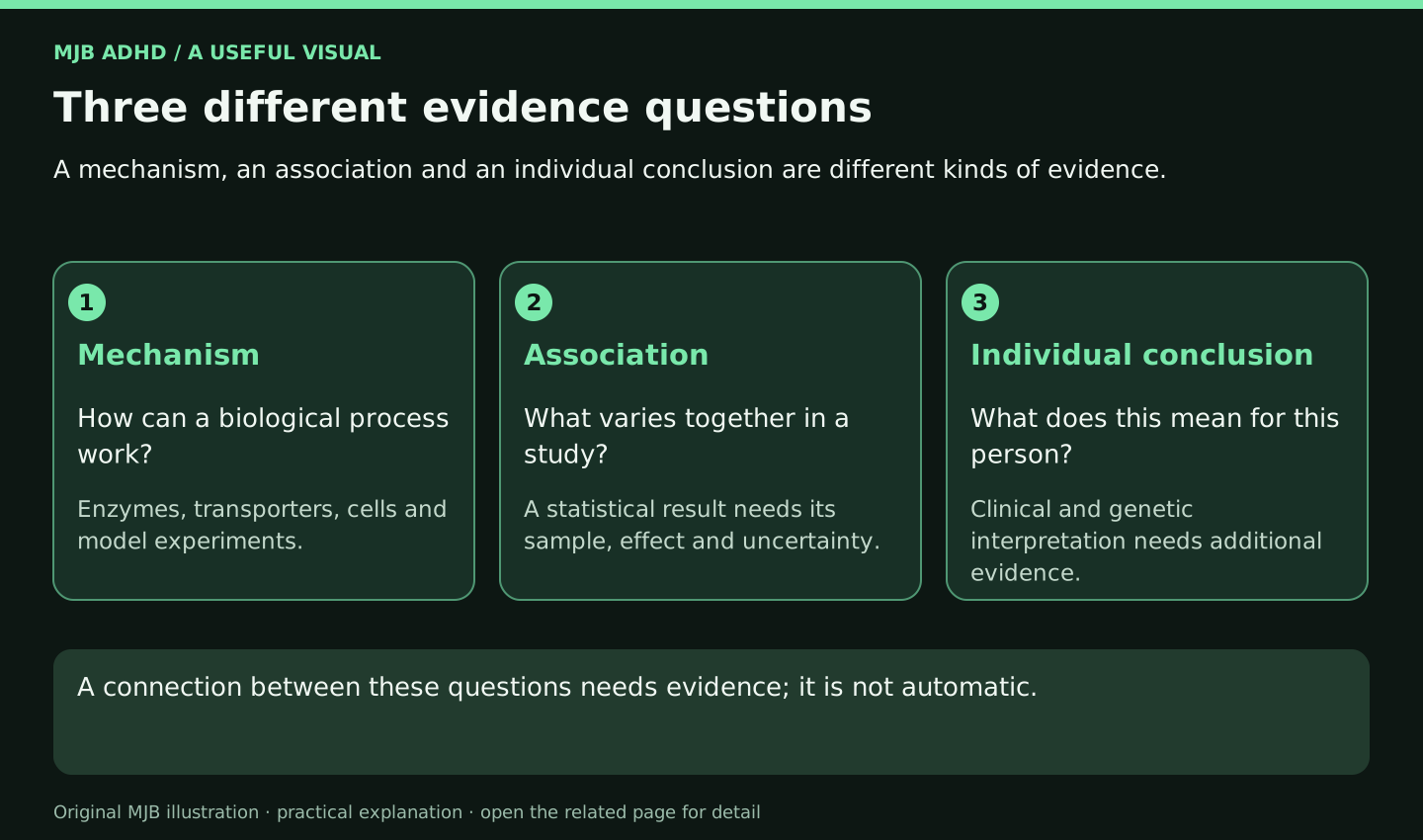
A mechanism, an association and an individual conclusion are different kinds of evidence.
- Mechanism: How can a biological process work? Enzymes, transporters, cells and model experiments.
- Association: What varies together in a study? A statistical result needs its sample, effect and uncertainty.
- Individual conclusion: What does this mean for this person? Clinical and genetic interpretation needs additional evidence.
A connection between these questions needs evidence; it is not automatic.
Make a handover visible
Read the related explanation · Open full-size illustration
Read the image as text
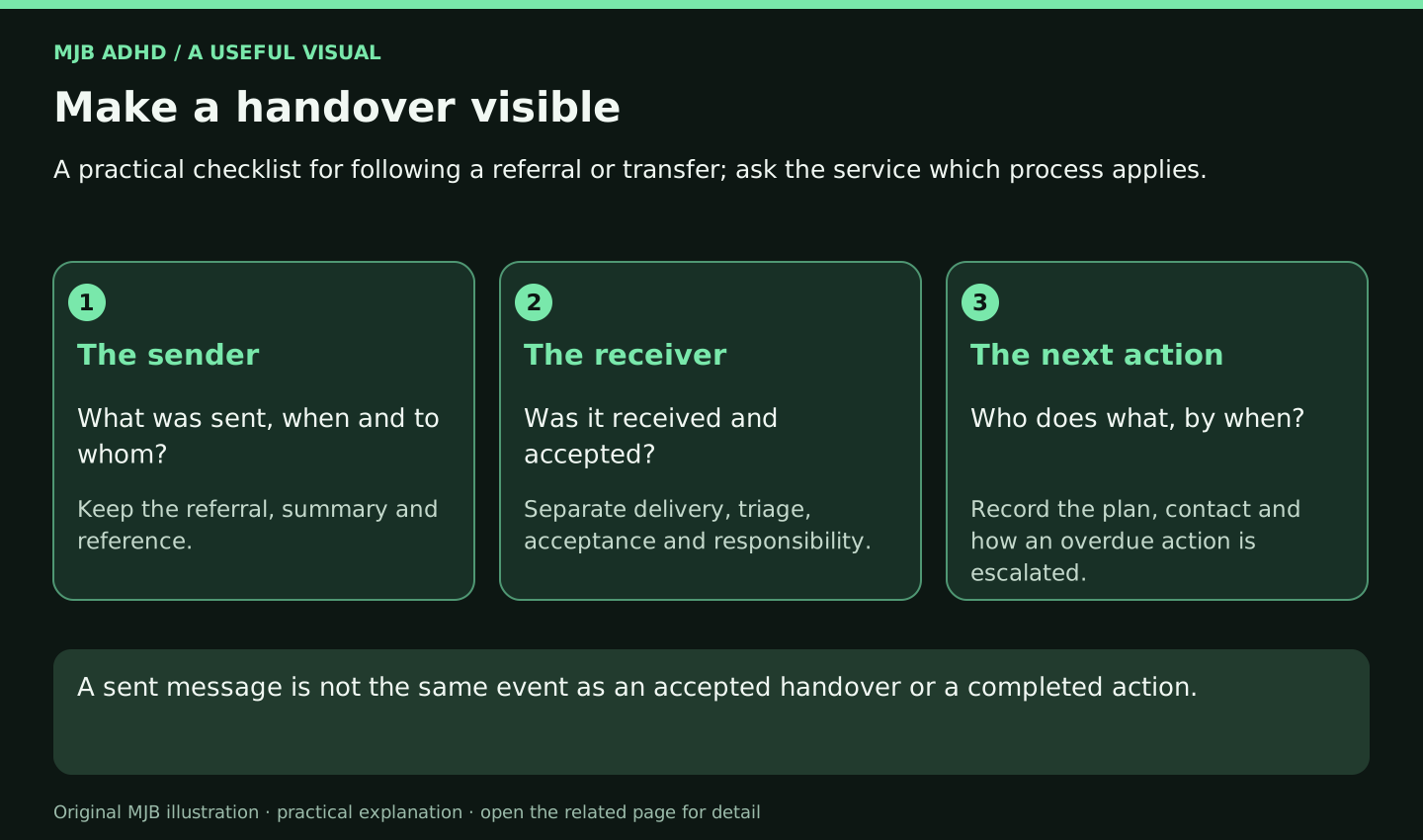
A practical checklist for following a referral or transfer; ask the service which process applies.
- The sender: What was sent, when and to whom? Keep the referral, summary and reference.
- The receiver: Was it received and accepted? Separate delivery, triage, acceptance and responsibility.
- The next action: Who does what, by when? Record the plan, contact and how an overdue action is escalated.
A sent message is not the same event as an accepted handover or a completed action.
A short account with useful detail
Read the related explanation · Open full-size illustration
Read the image as text
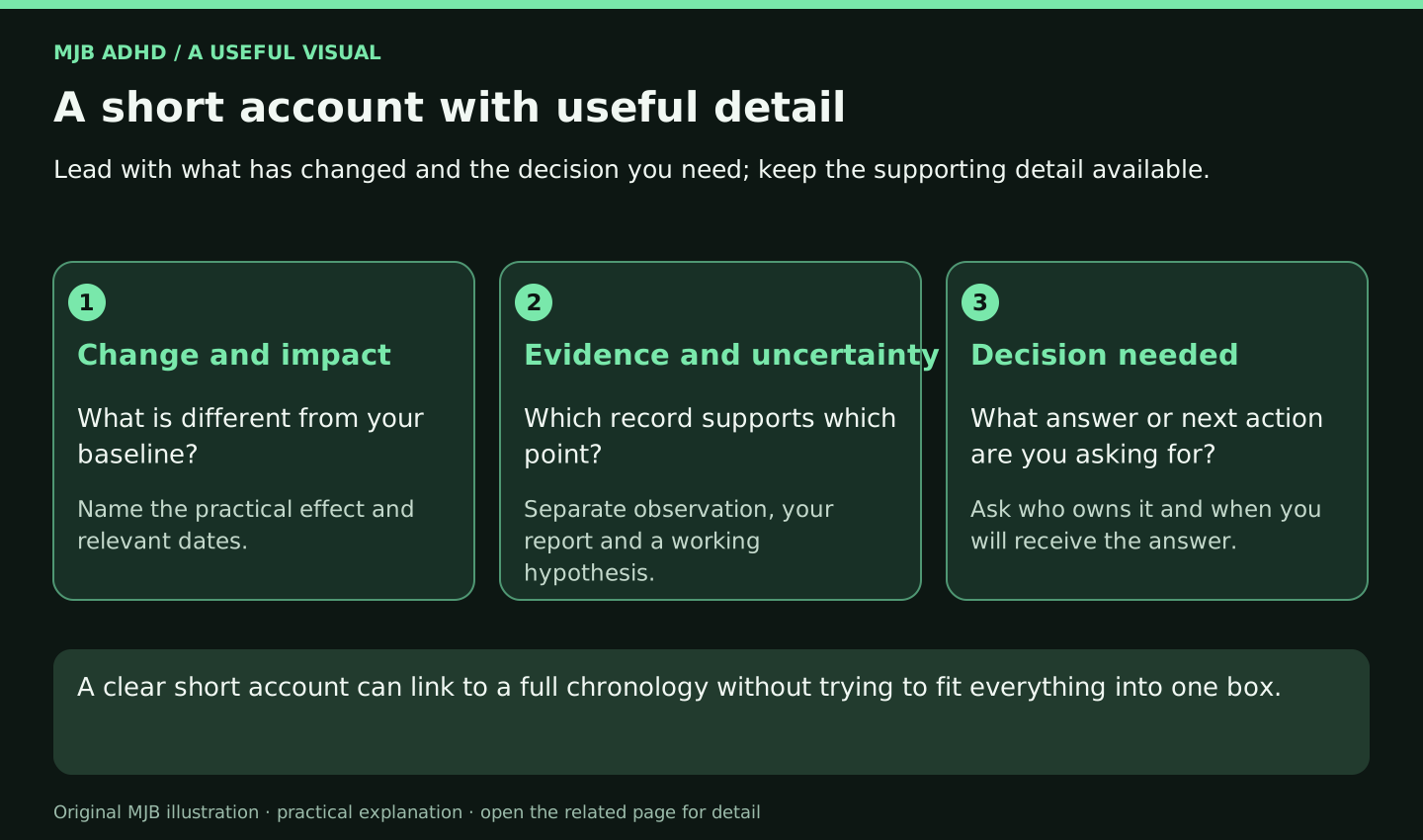
Lead with what has changed and the decision you need; keep the supporting detail available.
- Change and impact: What is different from your baseline? Name the practical effect and relevant dates.
- Evidence and uncertainty: Which record supports which point? Separate observation, your report and a working hypothesis.
- Decision needed: What answer or next action are you asking for? Ask who owns it and when you will receive the answer.
A clear short account can link to a full chronology without trying to fit everything into one box.
Browse, search and keep your place
Read the related explanation · Open full-size illustration
Read the image as text
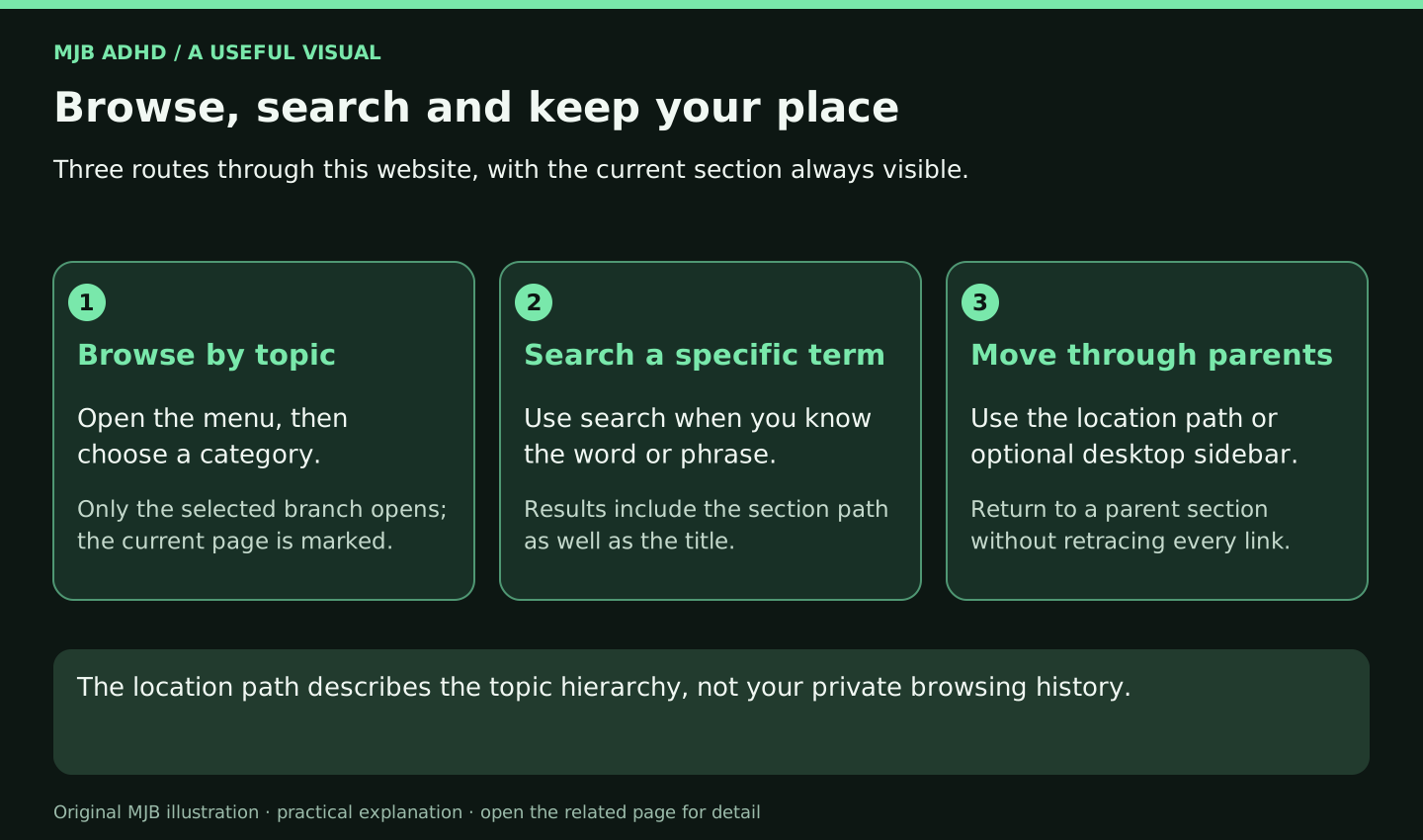
Three routes through this website, with the current section always visible.
- Browse by topic: Open the menu, then choose a category. Only the selected branch opens; the current page is marked.
- Search a specific term: Use search when you know the word or phrase. Results include the section path as well as the title.
- Move through parents: Use the location path or optional desktop sidebar. Return to a parent section without retracing every link.
The location path describes the topic hierarchy, not your private browsing history.